
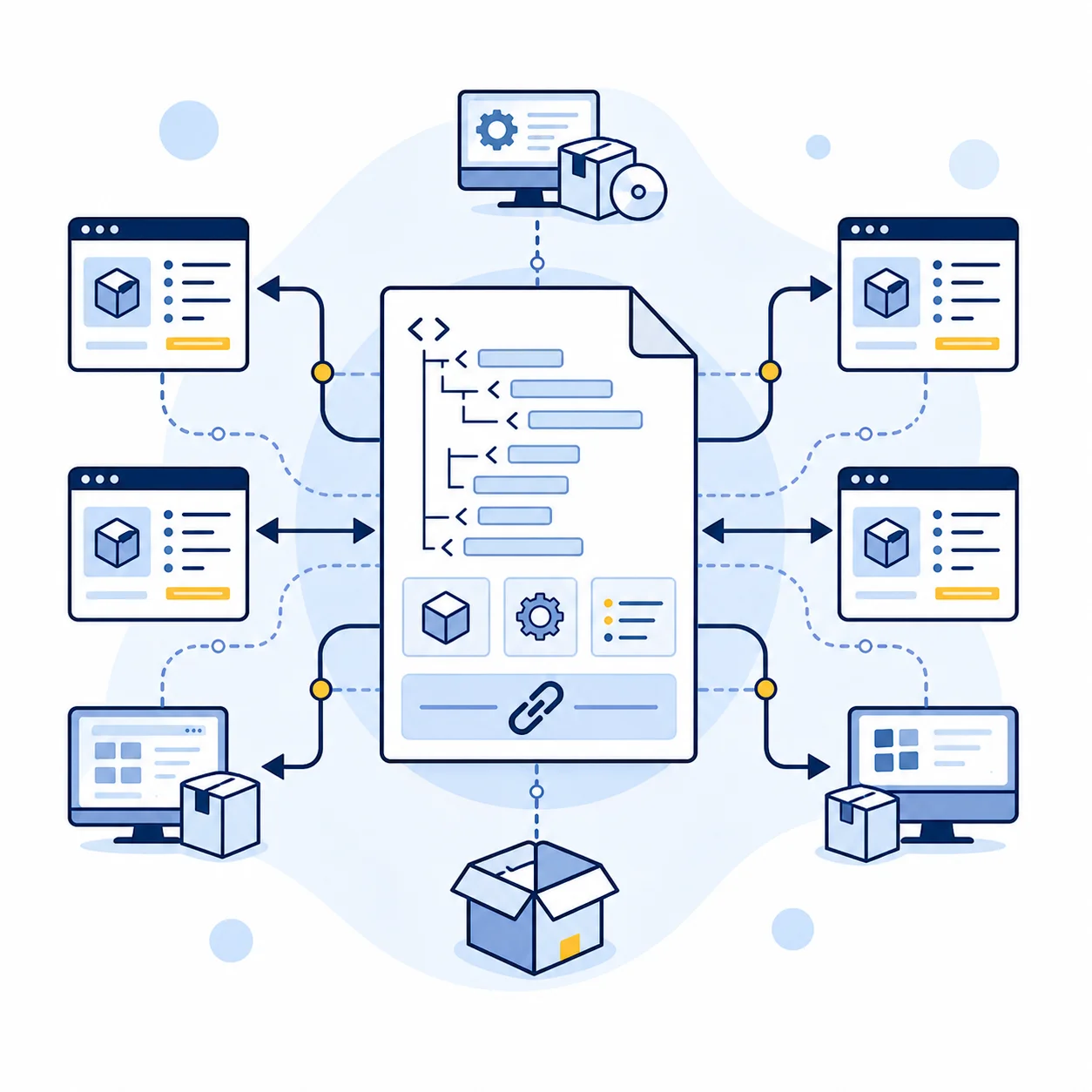
PAD files in 2026 are still useful, but the ecosystem is not what it was a decade ago. If you are distributing desktop software outside major app stores, PAD can still save time and keep directory listings consistent. This guide explains the current reality, what changed, and how to use PAD without relying on dead workflows.
If you just need to generate a file now, use our free online PAD file generator.
Directory and workflow notes last checked: May 21, 2026.
Are PAD files still relevant in 2026?
Yes, for a narrower but practical use case: independent software directories and download portals that still support automated metadata polling from your PAD URL.
PAD is no longer a "set once and forget forever" growth channel. It is now a maintenance channel that helps you:
- Keep listing metadata consistent across PAD-friendly directories.
- Update version details and download links with less manual form filling.
- Preserve a structured source of truth for software listing data.
If your distribution strategy depends only on App Store / Google Play, PAD is usually low priority. If you rely on third-party desktop software directories, it remains useful.
What changed in the PAD ecosystem?
The biggest change is structural, not technical.
- The ASP era ended in 2021.
- The old central repository model around AppVisor stopped being a dependable default path for most small publishers.
- Developers now need to self-host and submit directly to active directories.
That means the modern PAD workflow is:
- Generate valid PAD XML.
- Host it on your own domain at a stable URL.
- Submit that URL directly to relevant directories.
- Update the same file for each release.
This is less centralized than before, but still workable.
Which PAD directories should you prioritize?
Do not treat all directories equally. Prioritize quality and traffic.
Tier 1 (high-priority submissions)
Tier 2 (additional reach)
The practical rule: get Tier 1 clean first, then expand.
Do not submit blindly to every directory list you find. Many old PAD directory pages still render, but the review process behind them may be abandoned. Prioritize sites that still show fresh software updates, working submit forms, and clear editorial rules.
How to set up PAD correctly now
Here is the shortest reliable process:
- Create PAD XML with a validator-aware generator.
- Host it at a stable URL like
https://yourdomain.com/pad.xml. - Do not include version numbers in the PAD URL path.
- Update file content on each release while keeping the URL unchanged.
- Track accepted submissions and re-crawl/update behavior per directory.
For example, Download3k still tells publishers not to include the version in the PAD URL and to update the same self-hosted file so their system can re-check it. That is the modern PAD pattern in one sentence: stable URL, changing XML content.
Release checklist before submitting PAD
Before you send a PAD URL to any directory, check these items:
- The PAD URL is stable and does not include the app version.
- The primary download URL returns the current binary directly.
- The file is signed or checksum-verifiable if your platform supports it.
- Screenshot and icon URLs are live over HTTPS.
- Version, release date, price, license, and supported OS fields match the actual release.
- The short description reads like directory copy, not marketing fluff.
- You have a spreadsheet or issue tracking which directories accepted, rejected, or ignored the submission.
If you need the exact field rules, see our PAD specification reference.
Common PAD submission mistakes in 2026
Most PAD failures are process issues, not XML issues.
- Changing the PAD URL each release: directories cannot track updates reliably if your PAD URL changes every version.
- Using placeholder media URLs: broken screenshot/icon links reduce approval rates and trust.
- Submitting before download links are final: reviewers may reject listings if binaries are unavailable or mismatched.
- Treating PAD as one-time setup: listings decay if version fields and release dates are not maintained.
- Ignoring directory-specific rules: some catalogs accept PAD but still apply editorial checks and category restrictions.
The practical fix is simple: keep one stable PAD URL, run a release checklist, and update PAD as part of your deployment routine.
Why we built a browser-based PAD tool
Most PAD tooling still visible in search is old desktop software or abandoned services. We built PAD Make because developers needed something faster and simpler:
- Runs in browser.
- No install.
- No account required.
- Generates valid XML you can download and self-host immediately.
That is the right operational model for the 2026 PAD landscape: lightweight tool, self-hosted output, direct submissions.
When PAD is not the right investment
PAD is probably not your highest-leverage channel if:
- You ship mobile-only apps via closed app stores.
- You do not plan to submit to independent software directories.
- You have no capacity to maintain listings post-release.
In those cases, invest first in product distribution channels that match your actual audience behavior.
Build After Distribution
Getting listed is step one. Shipping and maintaining the product is step two.
If you need support after discovery and submission:
Frequently asked questions
Are PAD files still relevant in 2026?
Yes, but in a smaller ecosystem. They still help for independent software directories when you maintain a stable self-hosted PAD URL.
What happened to ASP and AppVisor?
The legacy ecosystem dissolved over time, so central "submit once" behavior is no longer the default for most developers.
How should I host my PAD file now?
Use one stable URL on your domain, update file content each release, and avoid changing the PAD URL itself.
Which directories still accept PAD submissions?
Softpedia, SourceForge, MajorGeeks, SnapFiles, Download3k, and several secondary directories still accept PAD-based workflows.
Do I need desktop software to create a PAD file?
No. You can use our browser PAD generator and download valid XML directly.