
Wearable & Smartwatch Extension Build
Companion Apple Watch and Wear OS apps: complications, tiles, workout sessions, phone sync, battery limits, and watch-only builds.
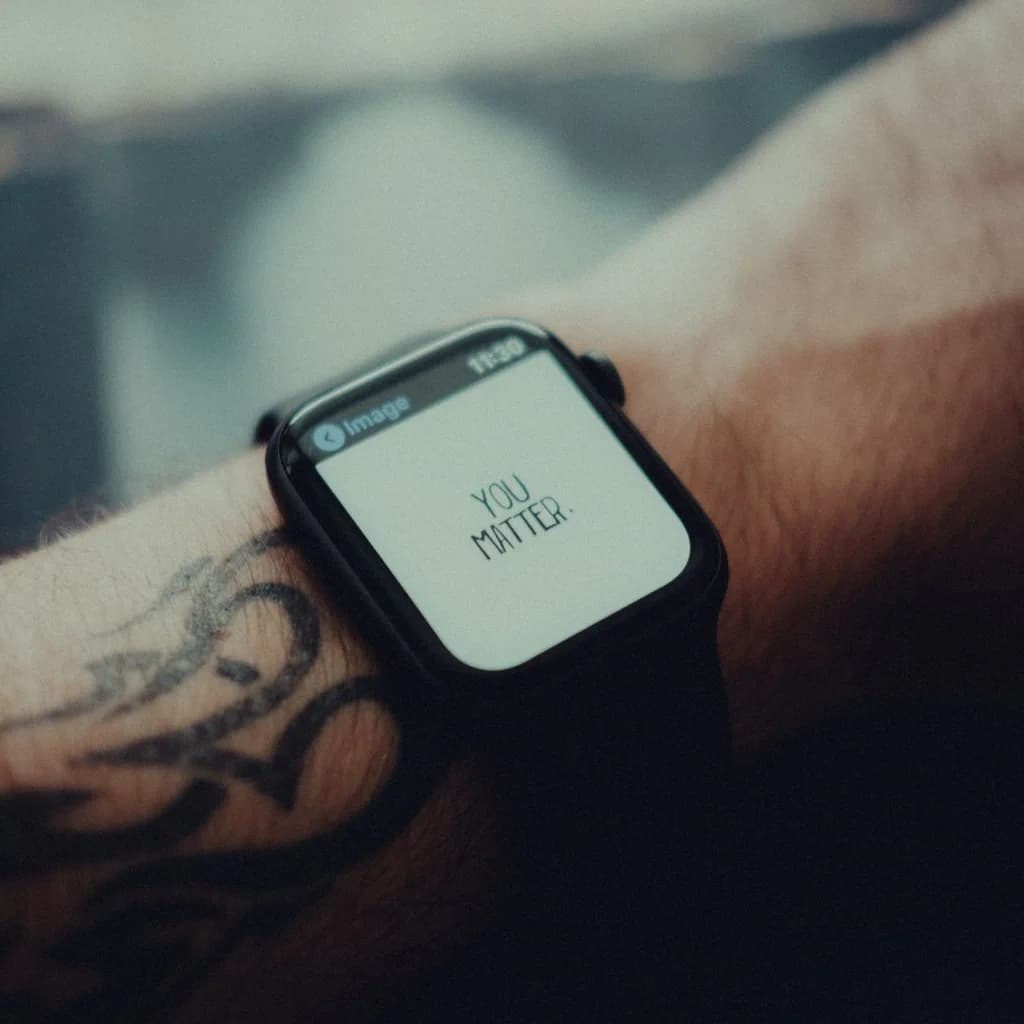
A watch app is judged in seconds. Someone raises a wrist, reads one number, taps once, and drops the arm. If that moment takes three taps or a second of loading, the app has already lost.
Wearable projects usually go wrong in the same place: a phone screen is shrunk onto a smaller display and every feature comes along for the ride. We build the watch layer around what a wrist is good at, which is glanceable state, one-tap actions, and a session the user can pause without pulling a phone out of a pocket. The rest stays on the phone, and we say so plainly when a feature does not belong on the watch.
What we build on Apple Watch and Wear OS
The two platforms share a purpose and almost nothing else. Each has its own SDK, its own way of keeping live data on a watch face, and its own rules about how long an app may run.
On watchOS we work in SwiftUI, with WidgetKit complications on watch faces and in the Smart Stack, HKWorkoutSession for workouts, HealthKit for readings, and WatchConnectivity between the watch and the iPhone.
On Wear OS we work in Compose for Wear OS, with tiles, complications, the ExerciseClient through Health Services, and the Data Layer API for phone and watch messaging.
The feature split matters more than the framework choice, and it is usually decided in one session:
- Belongs on the watch: the current state of something already running (pace, heart rate, remaining time, a balance, the next job), start and stop controls, quick approvals, haptic prompts, short timers, and the complication that keeps your product visible without opening anything.
- Belongs on the phone: account setup, long forms, browsing a catalogue, editing media, settings beyond one or two toggles, dense comparisons, and any flow that needs typing or more than two or three steps.
Who this suits
A watch companion strengthens products where the core action is short and physical. Fitness and workout tracking, recovery and health monitoring, field service and inspections where the phone stays in a bag, warehouse scans, device control, and approval prompts for security or payments.
It also fits an app whose users keep asking for a watch version, or whose key moment already arrives as a notification. Where the product's value lives in front of a phone screen, a companion app will not create it, and the honest answer is often a widget, a Live Activity, or a better notification.
What we deliver
- A watchOS app, a Wear OS app, or both, packaged with your phone app or shipped as a standalone build on the watch store
- A watch screen map agreed before code, naming the screens that exist on the wrist and the ones left off
- Complications, tiles, and watch face data, with refresh schedules that fit the budget each platform enforces
- Session handling for workouts and sensor recordings: start, pause, resume, auto-pause, and a save path that survives an interrupted session
- Sensor pipelines for heart rate, accelerometer, gyroscope, GPS, and barometer, with the smoothing and calibration a real product needs, overlapping our mobile sensor and measurement work
- Phone and watch sync over WatchConnectivity or the Data Layer, covering offline periods and resolving the cases where both sides changed the same record
- Direct Bluetooth paths for watches that read a peripheral without the phone, the same protocol work we do in mobile Bluetooth and IoT integration
- Store submission: watch app packaging, listings, screenshots per device size, privacy declarations, and the review notes Apple and Google ask for
- Battery profiling on physical watches for both platforms, with the measured numbers rather than assumptions
Where the project starts
A plain idea. There is no code yet, only a description of the user and the moment the watch is meant to serve. We run discovery, agree the watch screen map and the data model, then build the phone app and the watch layer together so the sync contract exists before either side assumes it. The shape of that sync decides the interface, so design cannot wait.
An existing conventional codebase. You have a shipped iOS or Android app and the watch feature is an addition. The first phase is a read of the existing architecture, data model, and sync paths, since a watch app inherits all three. Then we add the watch target, move what the wrist needs into a shared contract, and keep the phone app working throughout. It is the shortest route when the app already talks to a backend.
An AI-coded or vibe-coded prototype. A founder used modern coding tools to get something clickable, and users liked it enough to ask for a watch version. We keep the idea, the users, and the momentum while giving the watch layer the structure it needs: credentials that do not live in the bundle, session state stored in one predictable place, and a sync path that can be tested. The prototype usually reads as a useful specification.
How an engagement runs
We work in weekly increments with a build you can wear. The screen map comes first, then the shared data model and sync contract, then the watch interface and session logic alongside the phone changes, then hardware and battery testing, then submission.
Testing happens on real watches. Simulators have no heart rate sensor, no GPS, and no thermal behaviour, so they prove very little about a wearable build. We run manual passes on physical devices across the models and OS versions you support, and use recorded session data to test the sync paths repeatedly.
What it costs
Work is billed either at our flat rate of $39 per hour or as a fixed scope once the watch screen map is settled. Monthly capacity plans for ongoing delivery start at $2,699.
Where a watch companion ships as part of a new product, it fits inside the published mobile MVP typical order of $4,800 to $8,500 across four to six weeks, which covers a roughly 20 to 25 screen app with a backend, authentication, and store submission. Adding a watch layer to an app that already ships is a smaller phase-based engagement, scoped as phases rather than a separate wearable price list.
The drivers are predictable: standalone watch usage against a companion that assumes a phone nearby, how many complications and tiles you support, which sensors and sessions run on the wrist, whether a Bluetooth peripheral talks to the watch directly, whether both platforms ship at once, and the store review work health data requires. The pricing page sets out the hourly and monthly models side by side.
Proof
AccuLevels turns a phone into a precision measuring tool using the accelerometer and gyroscope, with calibration against a known reference. It shows we can turn raw sensor output into a live number a professional will trust, the same pipeline a workout or measurement session on a watch depends on.
Walking Cure is a health clinic site built around a walking-based treatment method, where the content had to explain an unfamiliar health idea well enough to earn trust. It shows how we frame health and movement products for the people who have to act on them, which shapes how a wearable feature is described and how users are brought back to it.
Related services
- Mobile app development for the phone side, including the cross-platform option when one codebase covers both stores
- Native iOS app development for Swift and SwiftUI work on iPhone and Apple Watch under Apple's review and energy rules
- Mobile Bluetooth and IoT integration when the watch or phone has to talk to a sensor, controller, or wearable patch
- Mobile sensor and measurement app development for the accelerometer, gyroscope, and calibration layer behind live readings
- In-app purchases and subscriptions for paid tiers and trials across phone and watch
Next step
If you are deciding what belongs on the wrist, send us the feature list and the moment your user is away from the phone. We will say which parts earn a watch screen and which should stay put.
Contact us with your notes or a link to the current app, or run the scope through the Vasilkoff.info estimator to get a first range before we talk.